
Free, and pre-sized for Slack and Discord
Every reaction, already the right size.
Gifoid is a searchable library of gifs and custom emoji — cropped, compressed, and ready to drop straight into Slack or Discord. No resizing, no guessing at file limits.
31003 emoji and counting



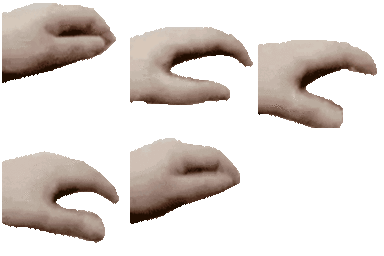
:petpet_hand:
21.4 KB
:rare_kermit:
128×128 · 21.5 KB
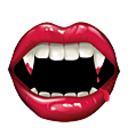
:vampire_bite:
128×128 · 20 KB
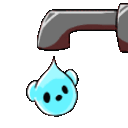
:drip:
128×128 · 3.72 KB
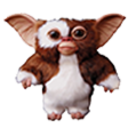
:gizmo:
128×128 · 26.3 KB

:pills_2:
128×128 · 16.2 KB

:vitamins_2:
128×128 · 14.4 KB
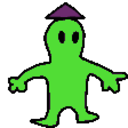
:alien_vibe_2:
128×128 · 7.97 KB

:troll_chips:
128×128 · 18 KB

:what_face:
128×128 · 18.4 KB

:whale_coin:
128×128 · 13.2 KB
:bucket:
128×128 · 21.9 KB

:good_match:
128×128 · 27.1 KB

:goldfish_8:
128×128 · 70 KB
:mojitos:
128×128 · 8 KB
:boom_time:
128×128 · 33.2 KB

:hype_4:
128×128 · 6.3 KB

:ravioli_wink:
128×128 · 29.3 KB
:dancing_crab:
128×128 · 11.7 KB

:sheep_roll_2:
128×128 · 7.34 KB
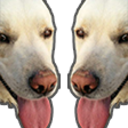
:dogs_2:
128×128 · 29.8 KB
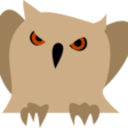
:owl_glare:
128×128 · 10.3 KB

:megagasm:
128×128 · 23.2 KB

:juice_3:
128×128 · 16.9 KB
Load more…
Free Custom Emoji & GIFs for Slack and Discord
Gifoid is a searchable library of gifs and custom emoji curated from public sources. Every item is pre-processed into two ready-to-upload files — one sized for Slack (128×128px, under 128KB), one for Discord (up to 256×256px, under 256KB) — so you can skip resizing and compressing images yourself.
Download the Slack or Discord version, then upload it from Settings & administration → Customize workspace → Emoji (Slack) or Server Settings → Emoji (Discord). Full size guidelines and step-by-step instructions are in our Slack & Discord size guidelines.